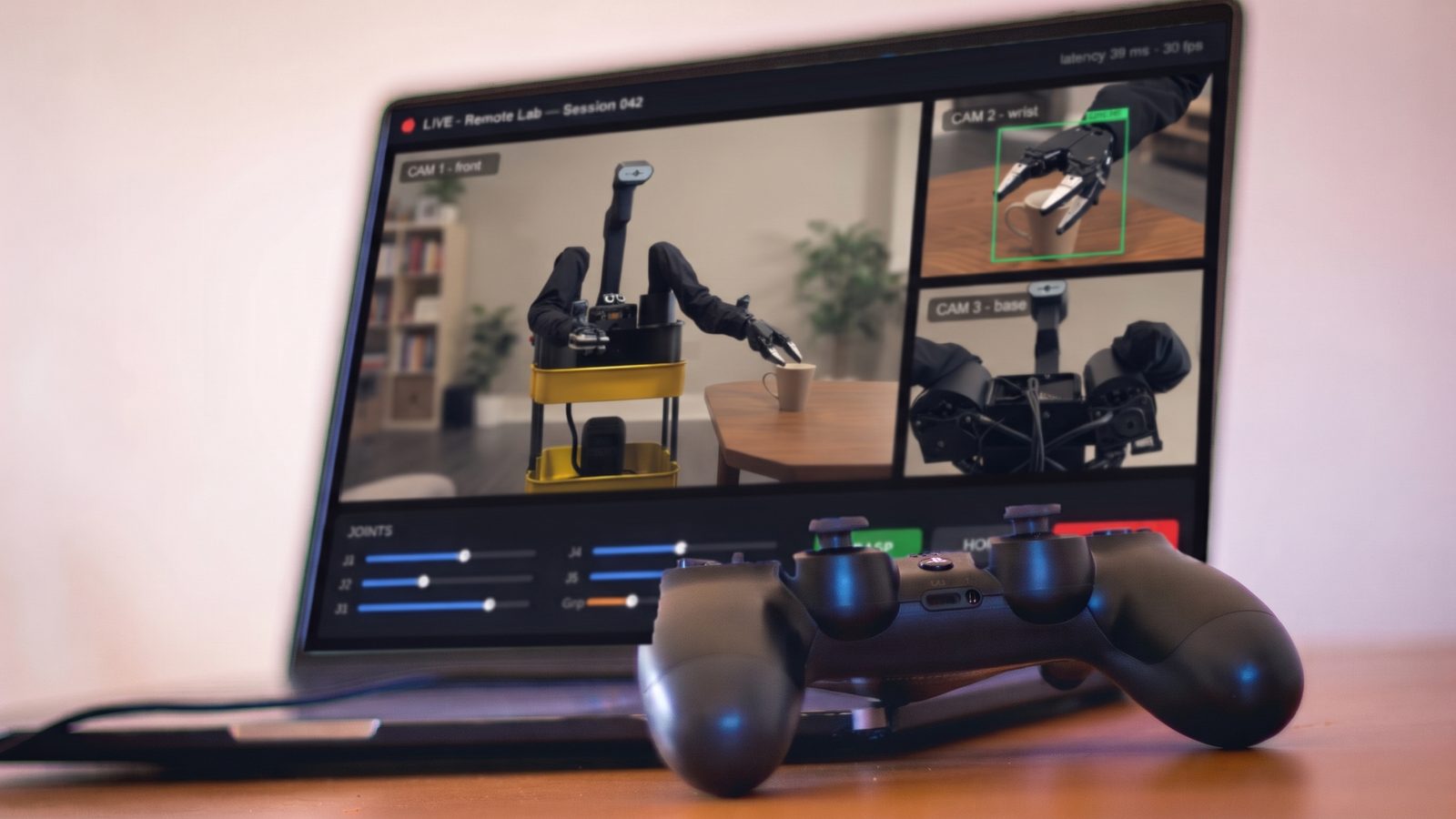
 Your browser and a gamepad
01
On RoboJetty
Collect demos
Drive the robot from your browser. We reset the scene between episodes.
→A dataset on your Hub
Made for LeRobot and the Hugging Face Hub
Test your policy or record demos on a real SO-101 or XLeRobot, from your laptop. Get back video of every run and a success rate.
How it works
Once to collect demos, once to find out if your trained policy really does the task. You train wherever you already train.
Your browser and a gamepadDrive the robot from your browser. We reset the scene between episodes.
→A dataset on your Hub
Fine-tune ACT, Diffusion, SmolVLA or pi0 on your own GPU or in the cloud.
→Your policy on the Hub
Send your compatible LeRobot policy on the Hub. We run it on the real robot, same scene every run.
→Videos and a success rate
↻Repeat until it worksThe robots
Open-source designs supported by LeRobot. We confirm your policy, cameras, and robot configuration before a session.
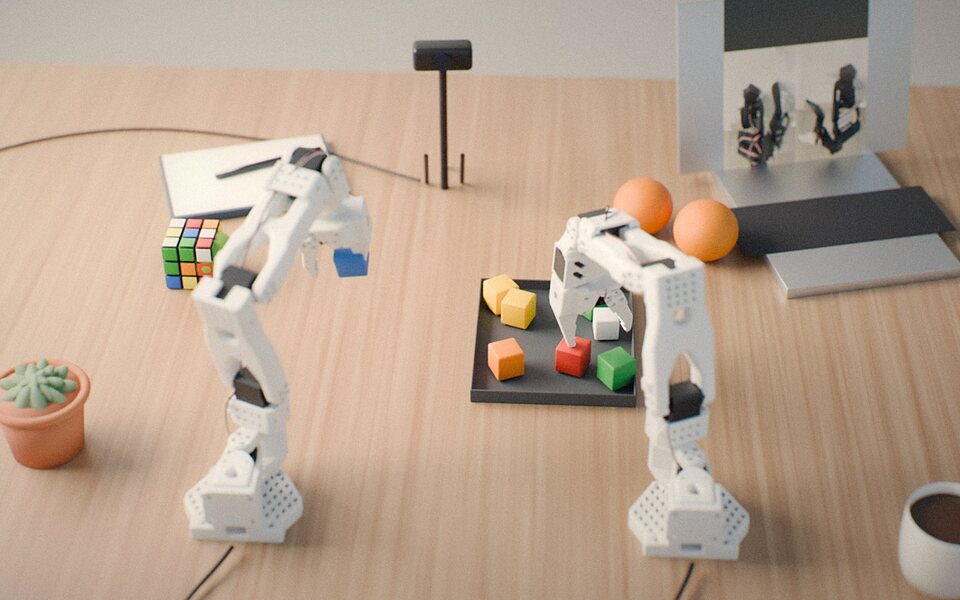
A tabletop station with SO-101 arms, cameras and a tray of everyday objects.
$29per hour
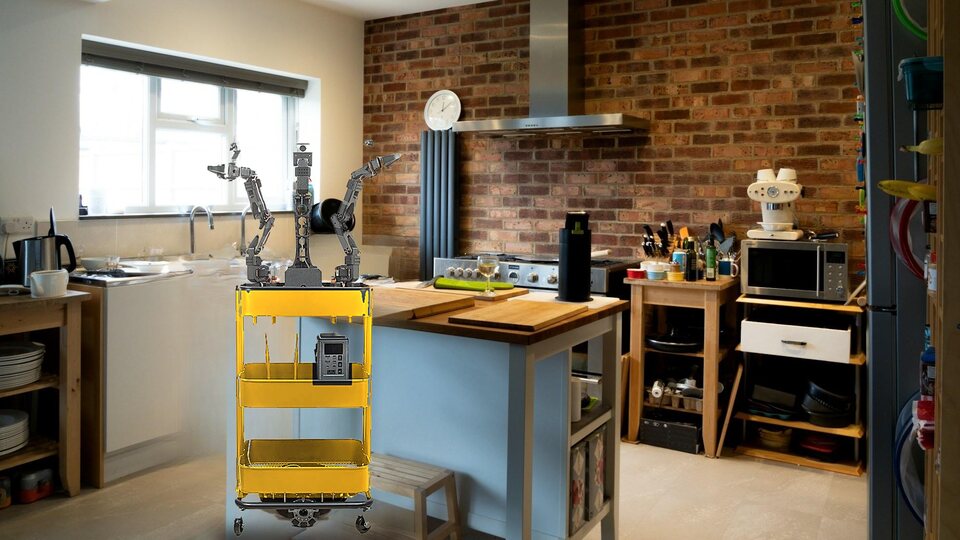
A dual-arm mobile robot in a real home-style room, for tasks bigger than a tabletop.
$59per hour
Tasks you can bring
Bring your own task or start from ours. We set up the objects, you collect demos or test a policy.
 AI image
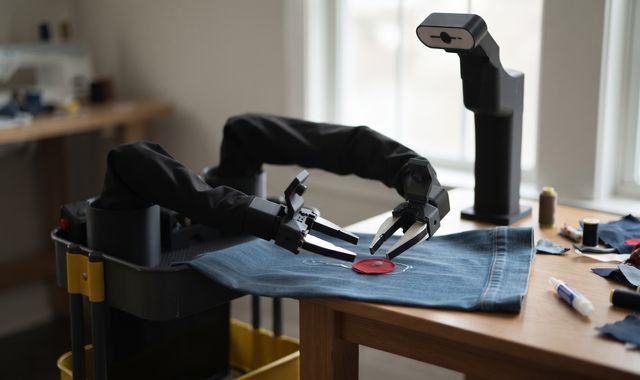
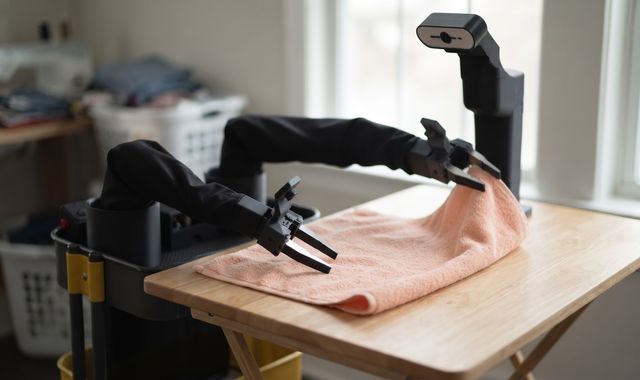
Hold the cloth flat and press the patch onto the glue line. Soft fabric is where most policies slip up.
 AI image
Fold the towel in half and smooth it flat. It lands a little differently every time.
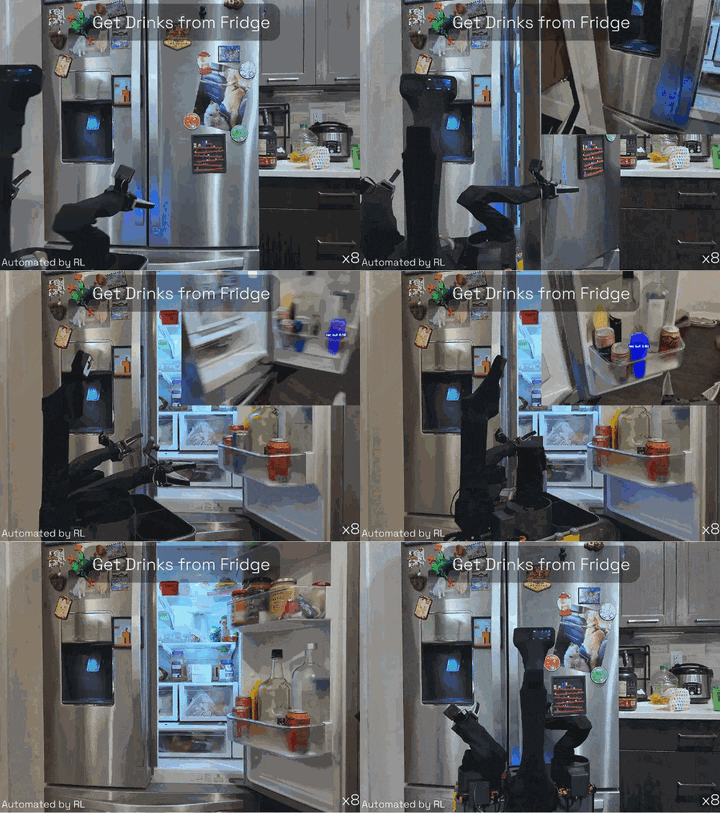
Open the fridge and take out a drink. In this clip the robot runs on its own, with a policy trained by reinforcement learning.
 AI image
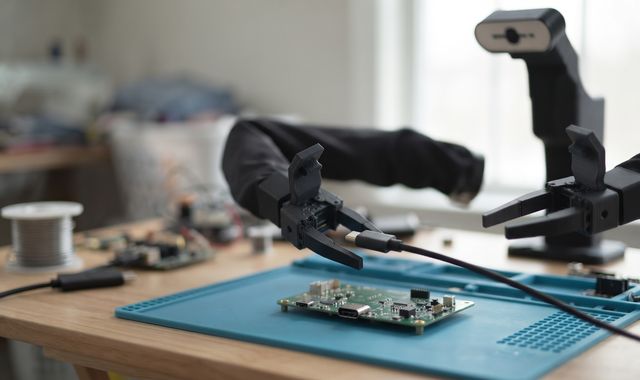
Line up the plug and push it into the port. There's very little room for error.
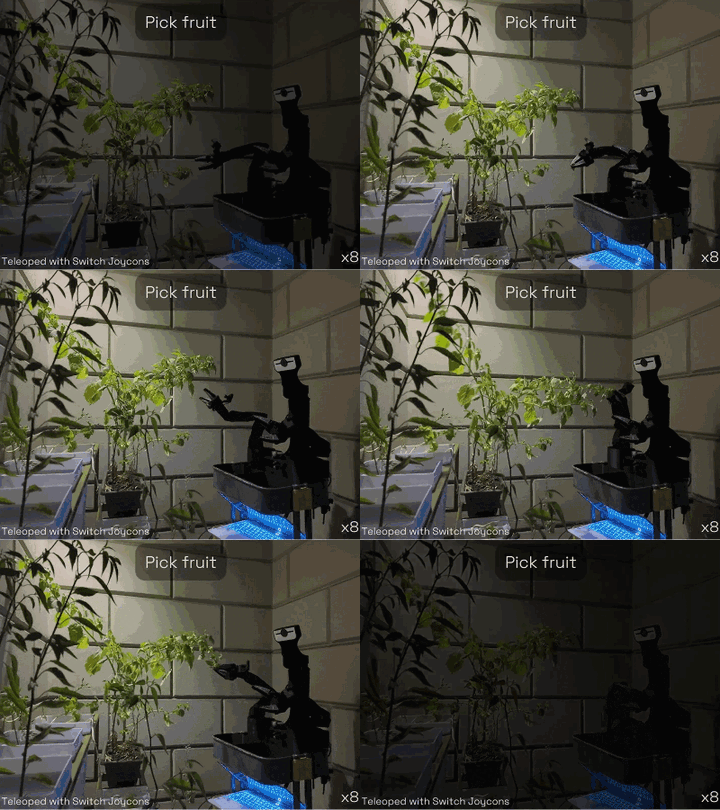
Pick ripe fruit without crushing it. In this clip a person drives the robot with two game controllers.
 AI image
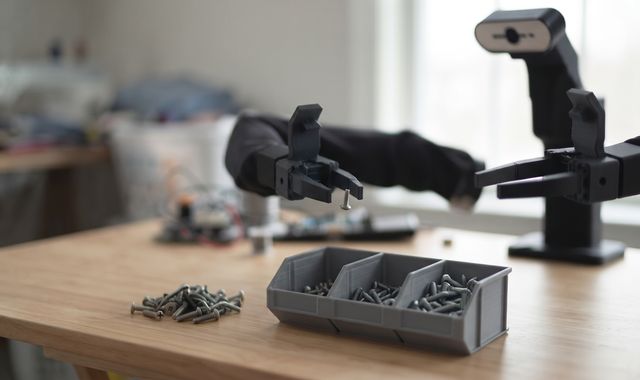
Drop each screw in the right bin. Tests fine grasps and vision.
 AI image
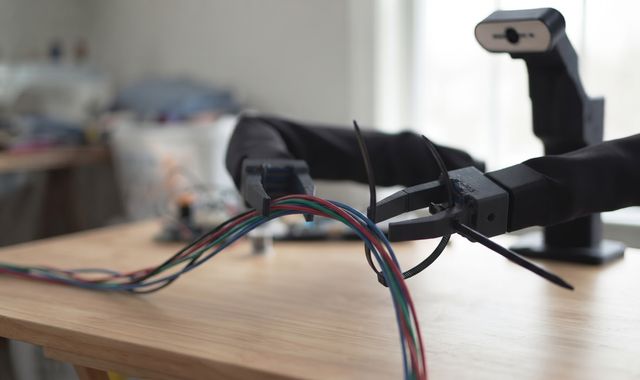
Loop the tie around the cables and pull it tight. It takes two hands and a steady grip.
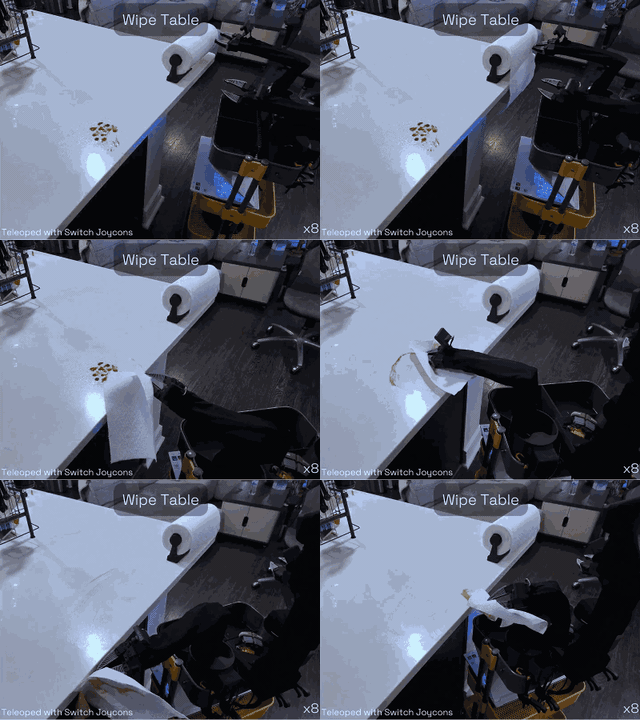
Press down and sweep until the counter is dry. Steady contact the whole way.
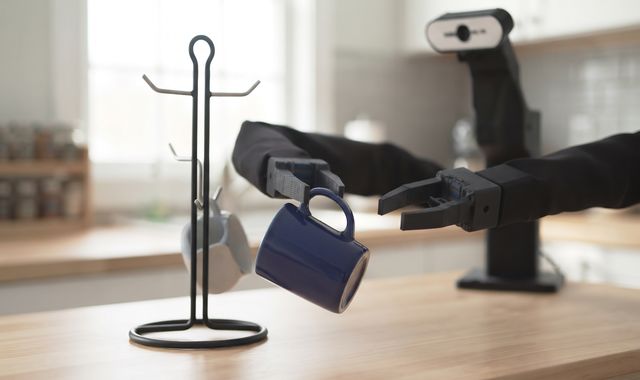 AI image
Turn the handle to the hook and slide it on. A few degrees decide if it hangs.
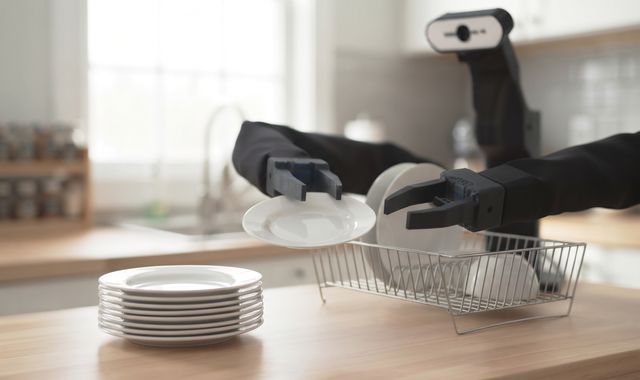 AI image
Stand each plate in a free slot. Shiny dishes and tight slots make it hard.
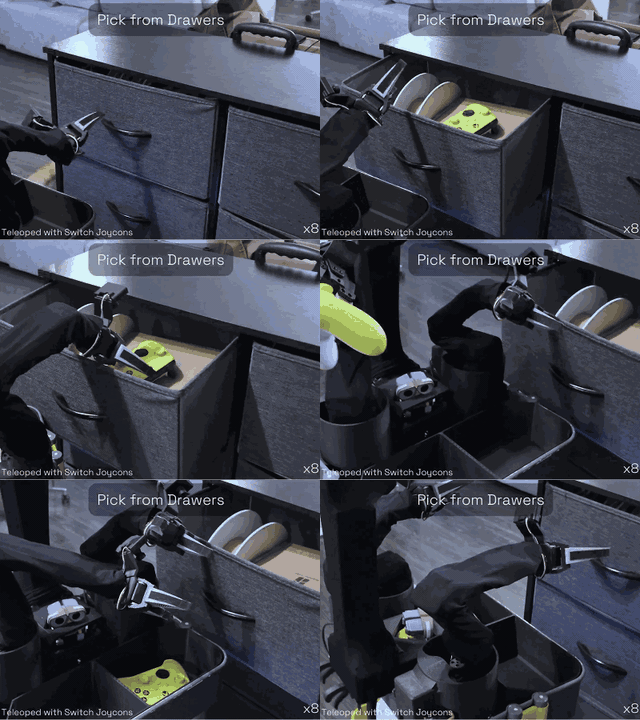
Open the drawer and take out the right item.
Tell us the task and setting you want to test. We’ll confirm the setup and availability before booking.
Request a setup →YOUR NEXT SESSION
Collect demonstrations or bring a compatible policy. Choose your robot and request a session.
From $29 / hour · Dataset and recordings included
No payment now. Availability is confirmed before booking.
FAQ
Yes. Push it to the Hub and send us the repo id. It needs to be a LeRobot policy (ACT, Diffusion, SmolVLA, pi0 and so on) trained for the robot you book. Other people's public policies work too.
A standard LeRobot dataset: camera video, joint states and actions for each episode, pushed to your Hub account. Train on it with LeRobot right away.
No. The robot, the cameras and the computer that runs your policy are ours. You need a laptop and a stable connection.
From your browser, with keyboard or gamepad. We're also testing remote leader arms for people who own one.
No. RoboJetty is an independent lab built on LeRobot, Hugging Face's open-source robotics library. We use the Hub because that's where the LeRobot community keeps its datasets and policies.
We’re at capacity right now. We’re working hard to add more robot hours soon. Request a session and we’ll contact you about availability. No payment is taken and no slot is reserved until confirmed.